Verifiable Commands
Verifiable Commands are an advanced, cryptographically signed variant of a regular command: they build on top of a regular command by letting a device confirm the command really came from a trusted, authorized user before executing it.
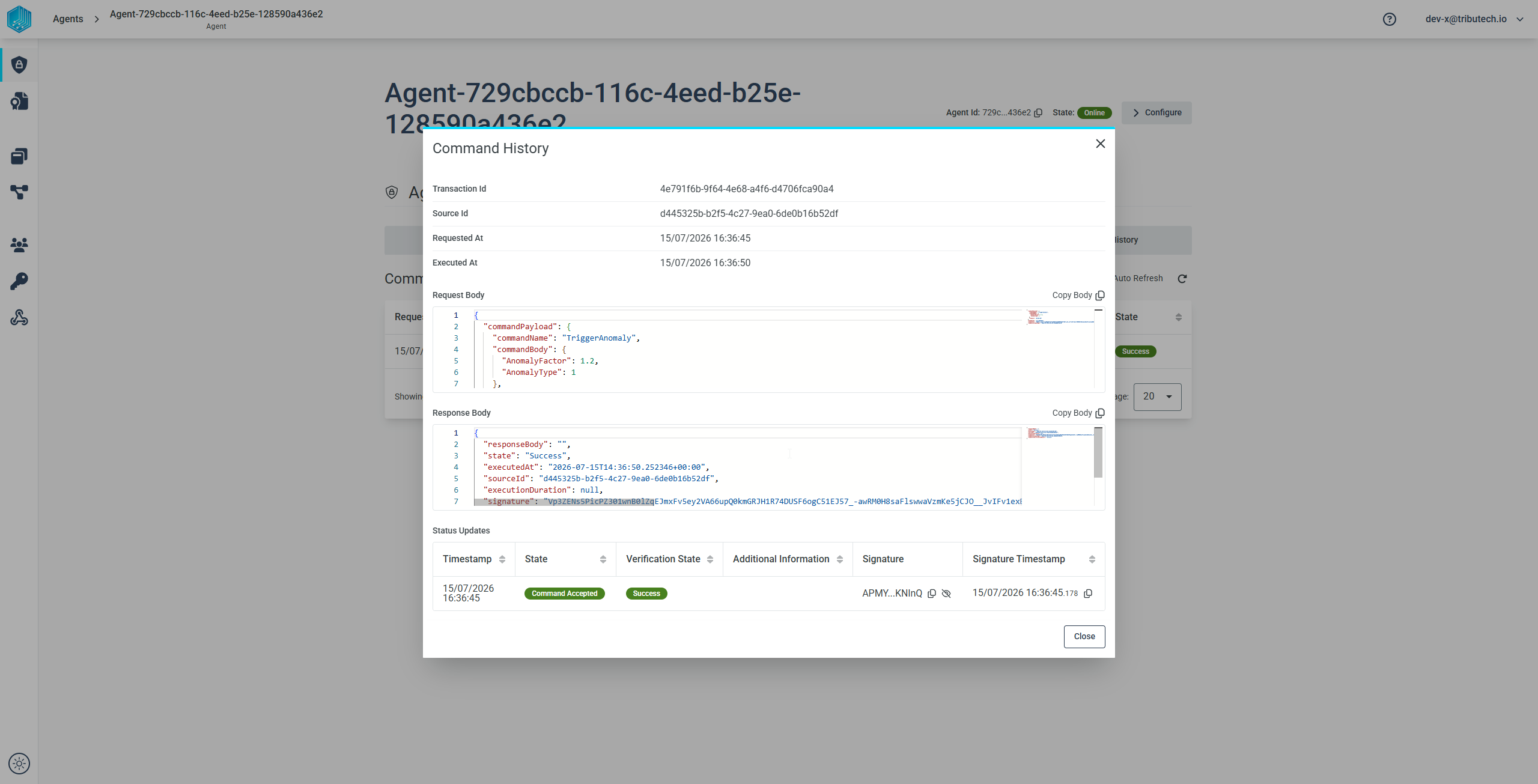
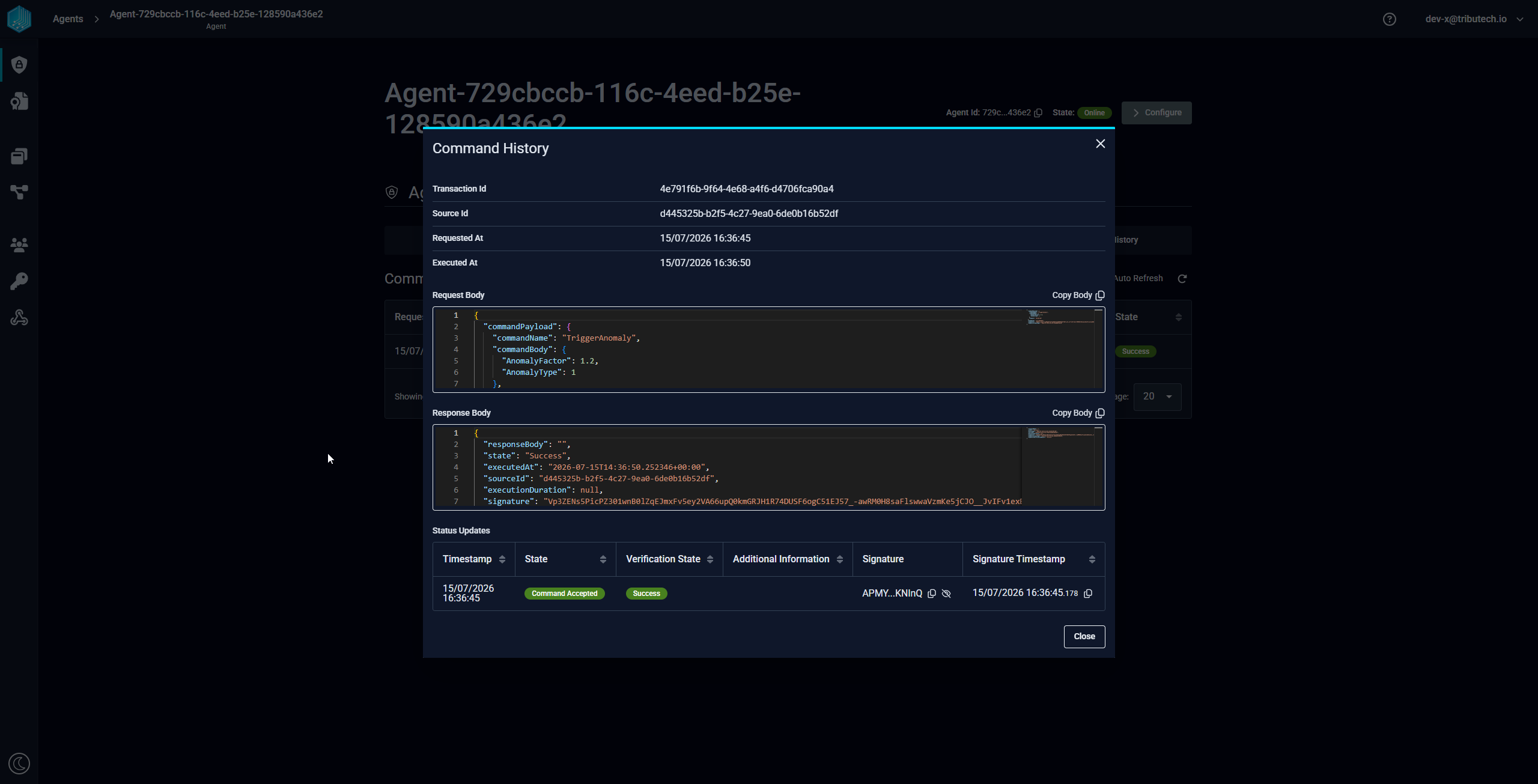
Verifiable Commands can be viewed in the Commands tab of an agent in the Tributech Node UI, but sending them is currently only possible via the REST API. To send one you also need access to the private key used to sign the command body.
Overview
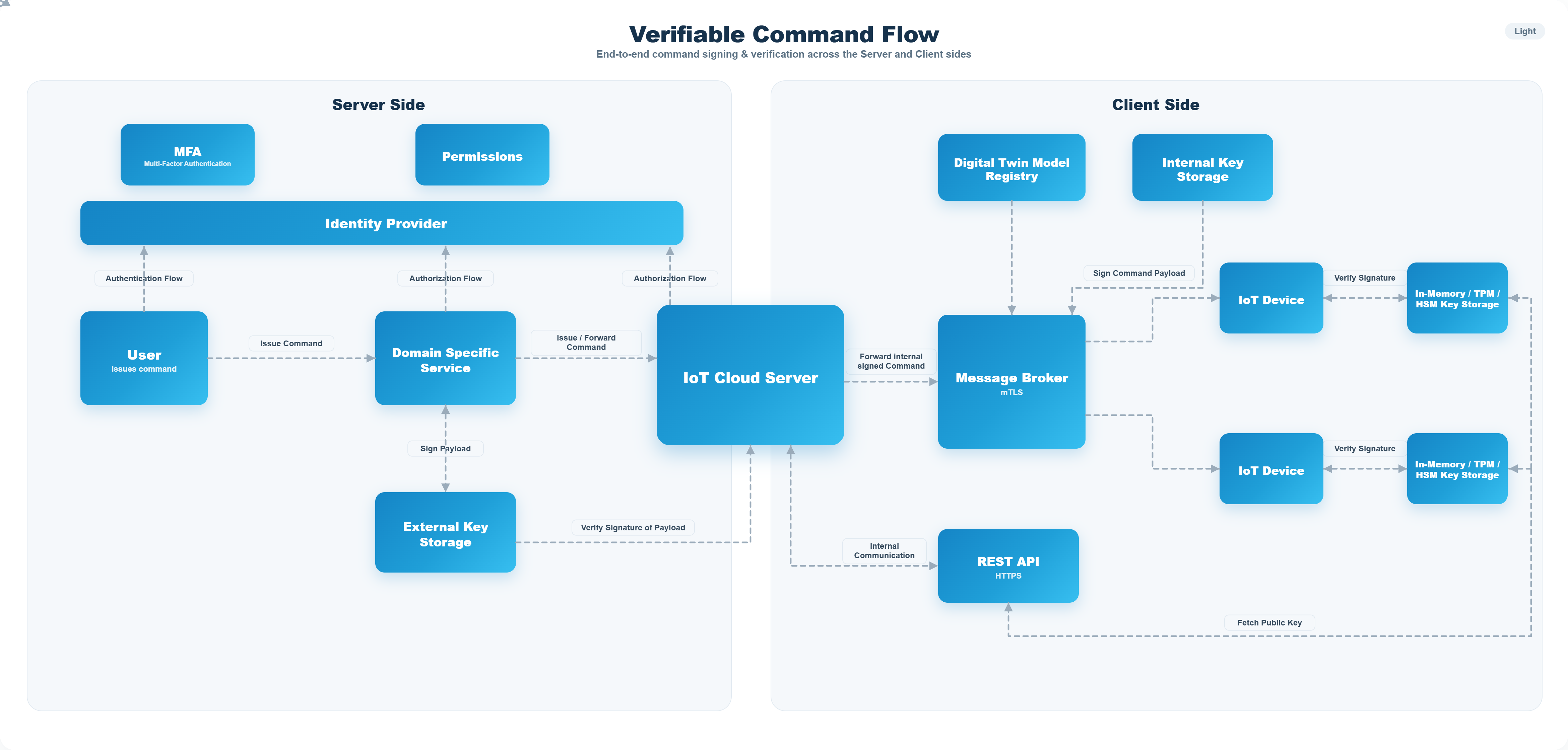
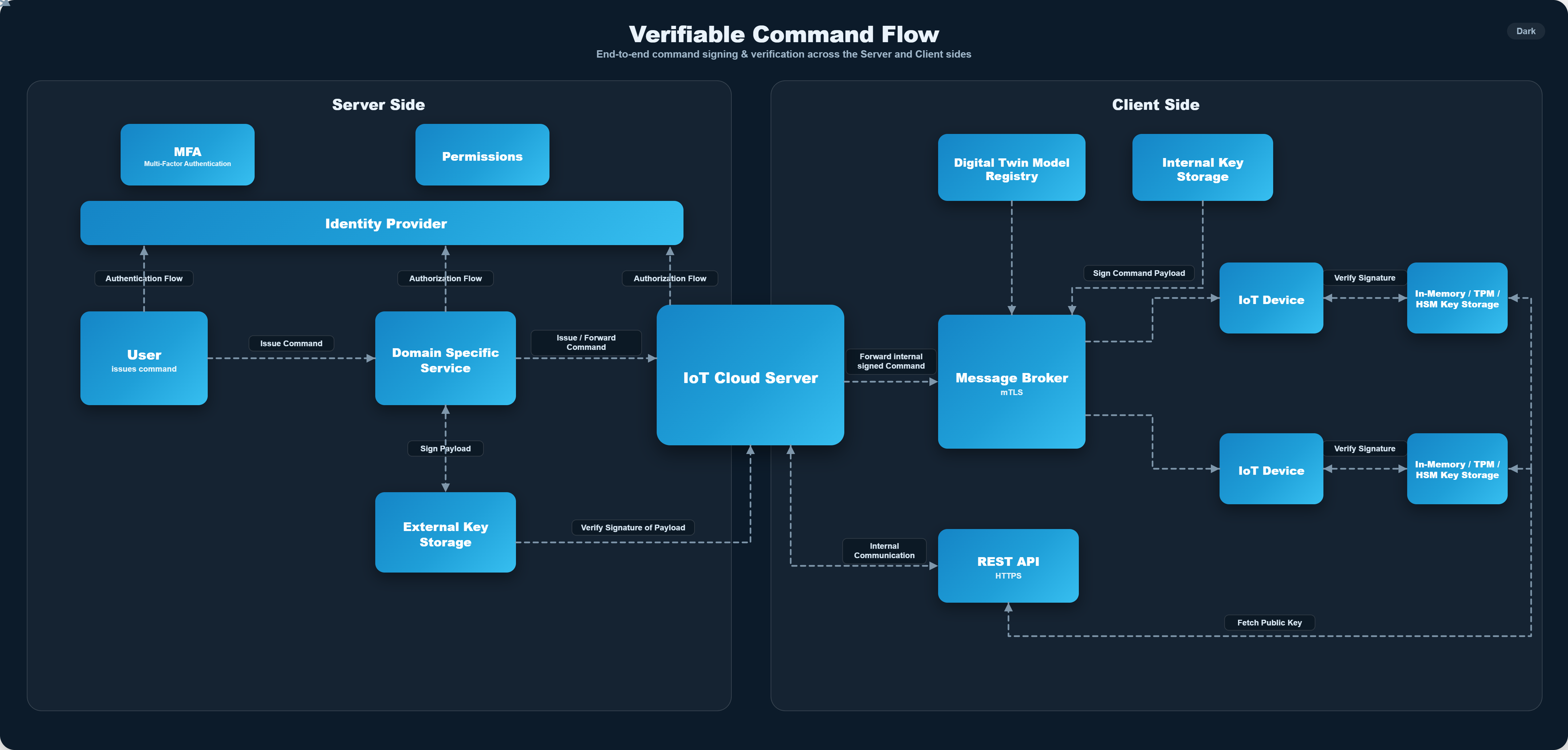
A command is trusted because it arrives through the authenticated Tributech Node API. A Verifiable Command adds a second, end-to-end layer of trust: the command is signed by the user and re-signed by the Tributech Node, so the receiving device can independently verify its authenticity. This guarantees that:
- the command originates from a trusted, notarized user,
- it was processed and forwarded by the Tributech Node, and
- the agent/device can verify the command's authenticity before executing it.
How it works
Verifiable Commands use two layers of cryptographic verification:
- User → Node: the user signs the command body with their private key and sends it to the Tributech Node. The Node looks up the matching public key (via the
nodeKeyId) and verifies the signature — if verification fails, the command is rejected. - Node → Device: after verifying the user, the Tributech Node signs the command with its own key and forwards it to the agent/device. The device verifies this signature against the known Tributech Node public key and executes the command only if it is valid.
Command structure
A Verifiable Command is sent to the REST API as a signed envelope around the command payload:
{
  "nodeKeyId": "azureECDSA",
  "signature": "R75kThUmmrY2Xk_irT5XT_cdNbUNWSNd92IAXpI9UPAs85emJ5mzk66k1CnZEkjkMycXEFMb5jPqe3GYMy3IgQ",
  "signatureTimestamp": "2026-03-11T08:39:54.1680000+00:00",
  "commandPayload": {
    "commandName": "TriggerAnomaly",
    "commandBody": {
      "AnomalyFactor": 2,
      "AnomalyType": 1
    },
    "Timeout": "00:00:30"
  }
}
| Field | Description |
|---|---|
nodeKeyId | Identifier of the key used to sign the command; the Tributech Node uses it to look up your registered public key |
signature | Signature over the command, created with your private key |
signatureTimestamp | UTC timestamp of when the signature was created |
commandPayload | The command itself — same structure as a command: commandName, an inline commandBody, and a Timeout |
Signing keys
To send a Verifiable Command you need a key pair: the private key signs the command body and must never be shared, while the public key is registered in the Tributech Node's key storage so it can verify your signature. The nodeKeyId in the command must match your registered public key.
Supported key types:
EC_ES256RSA_PSS_PS256RSA_PKCS1_RS256
A key pair can be generated with OpenSSL, e.g. ECDSA (ES256):
# Private key (keep secret)
openssl ecparam -name prime256v1 -genkey -noout -out private_key.pem
# Public key (registered in the Tributech Node)
openssl ec -in private_key.pem -pubout -out public_key.pem
Registering the public key in the Tributech Node's key storage (Azure Key Vault, AWS KMS or on-premise) and mapping it to a nodeKeyId is an administrator/infrastructure task. Contact your Tributech administrator to have your public key registered.
Viewing commands
Once sent, a Verifiable Command and its execution status can be followed in the Commands tab of the agent in the Tributech Node UI.